How to Make a Short Link for a Website
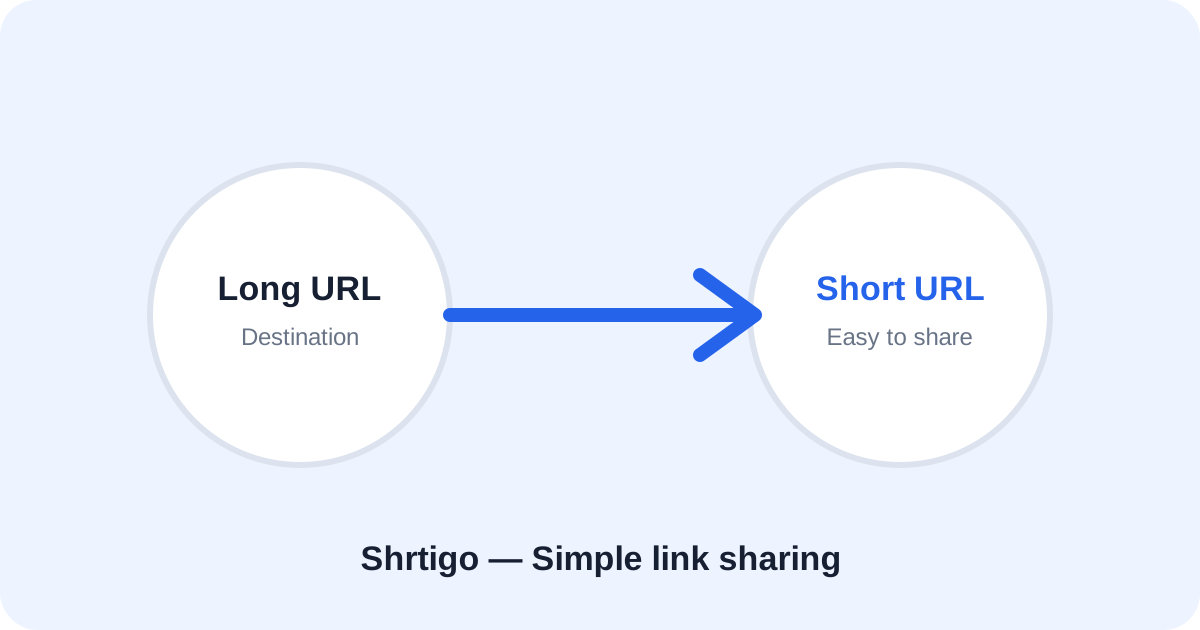
A website URL can be shortened into a compact address that is easier to copy and share. Shrtigo accepts normal public website URLs and creates a short redirect.
Step 1: Copy your website URL
Copy the complete HTTPS address of the page you want visitors to open.
Step 2: Paste it into Shrtigo
Paste the address into the main URL field and select Shorten Link.
Step 3: Customize if useful
Enable Custom link when a memorable alias would help. Keep it short and accurately related to the destination.
Step 4: Test and share
Open the generated address before publishing. Then share it in messages, email, websites or social media with helpful context.