How to Shorten a URL: Step-by-Step Guide for Beginners
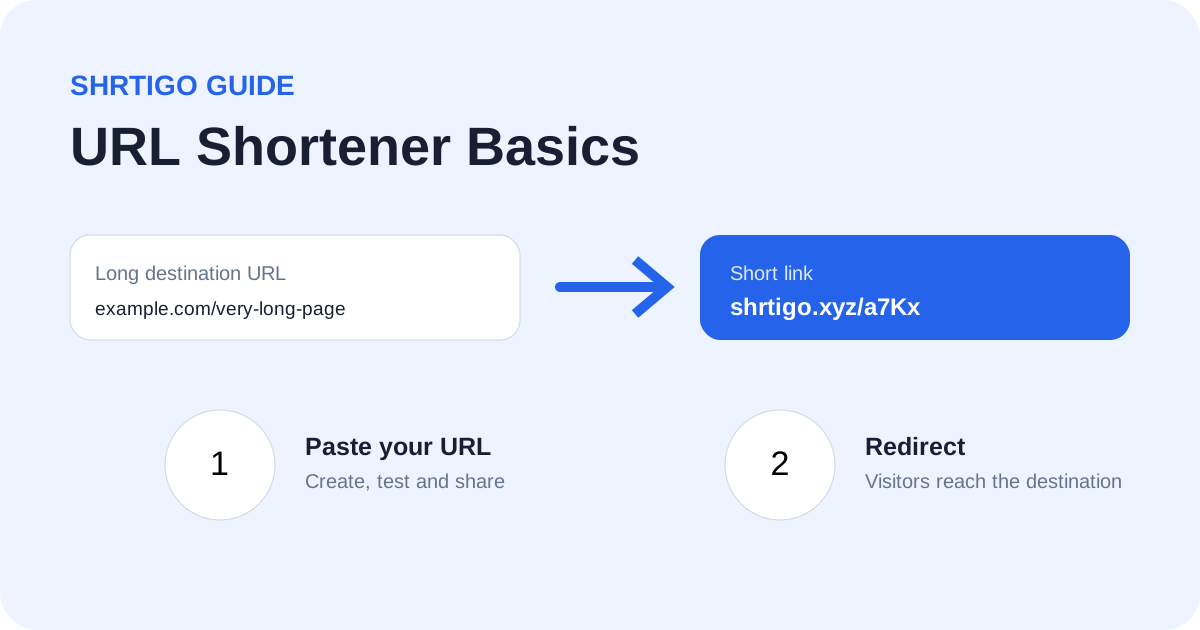
Long web addresses can be difficult to copy, remember and share. A URL shortener creates a compact address that redirects to the original page.
Step 1: Copy the destination URL
Open the website you want people to visit and copy its complete HTTPS address. Check that the destination works before shortening it.
Step 2: Open Shrtigo
Go to Shrtigo and paste the destination into the main URL field. The main URL is always the destination for your visitors.
Step 3: Customize if needed
You can choose a memorable custom alias when one is available. Keep it short, readable and relevant to the destination. Avoid misleading words.
Step 4: Add optional preview media
Shrtigo can also use an optional image or YouTube URL as preview media. These are separate from the main destination.
Step 5: Generate and test
Create the short link, open it in a new tab and confirm that the preview and final destination behave as expected.
Best practices
Use HTTPS destinations, keep aliases easy to read, test links before campaigns, and share links responsibly. Do not use short links to disguise unsafe or deceptive destinations.