How to Shorten a URL on Android
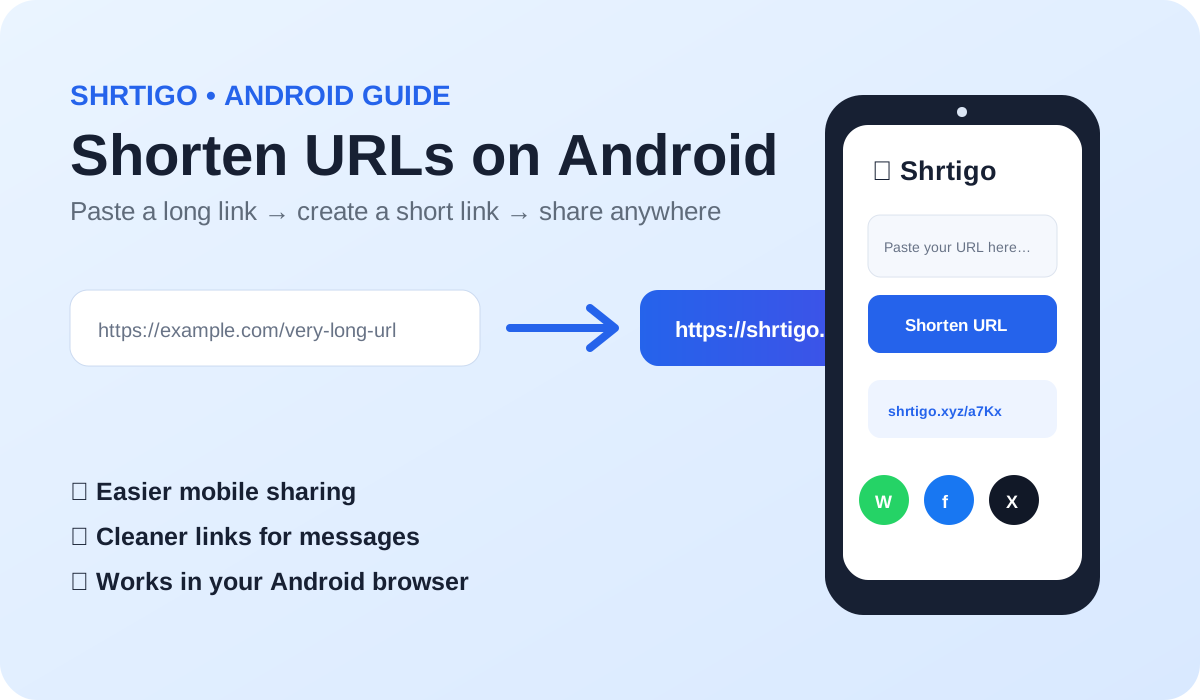
Long links are awkward to copy and share on a phone. Shrtigo lets you create a compact link from any public website address directly in your mobile browser.
Why shorten links on Android?
Short links are easier to copy, paste and share in messaging apps, social platforms and mobile browsers. They also make long campaign or product URLs easier to read.
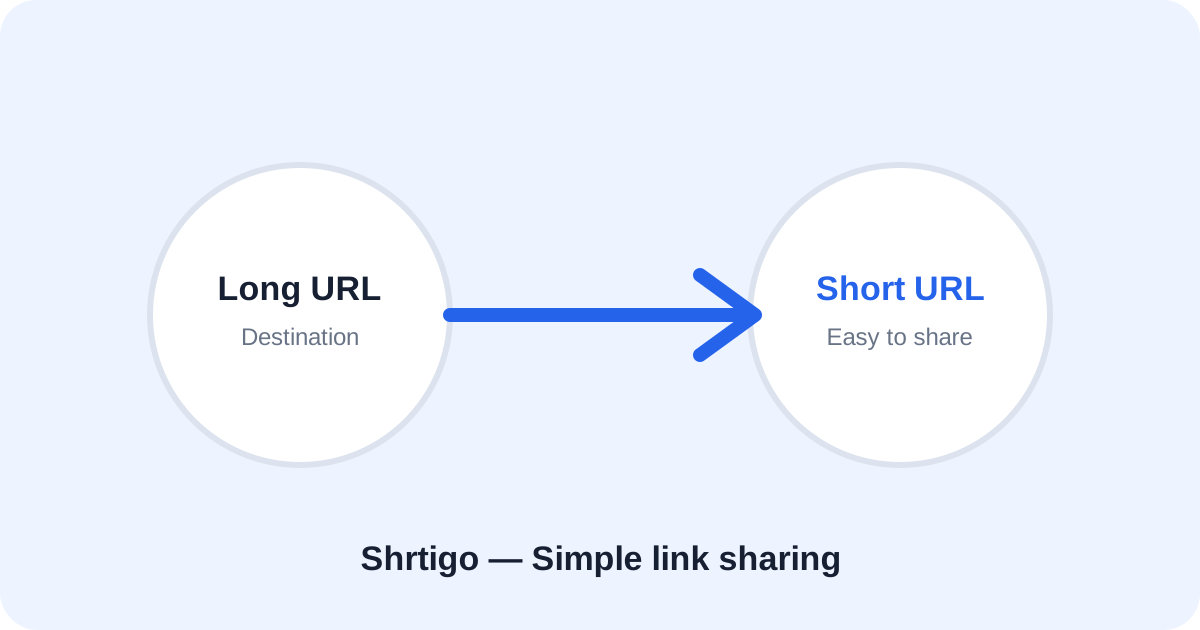
Step 1: Copy the destination URL
Open the page you want to share in Chrome or another Android browser and copy its complete HTTPS address.
Step 2: Open Shrtigo
Visit Shrtigo, paste the address into the main URL field and check that it points to the page you actually want visitors to open.
Step 3: Create the short link
Tap Shorten Link. If you need a memorable address, enable Custom link and choose a simple available alias.
Step 4: Test before sharing
Open the generated link in a new tab. Confirm that it reaches the intended destination. This is especially useful when sharing links through messaging apps.
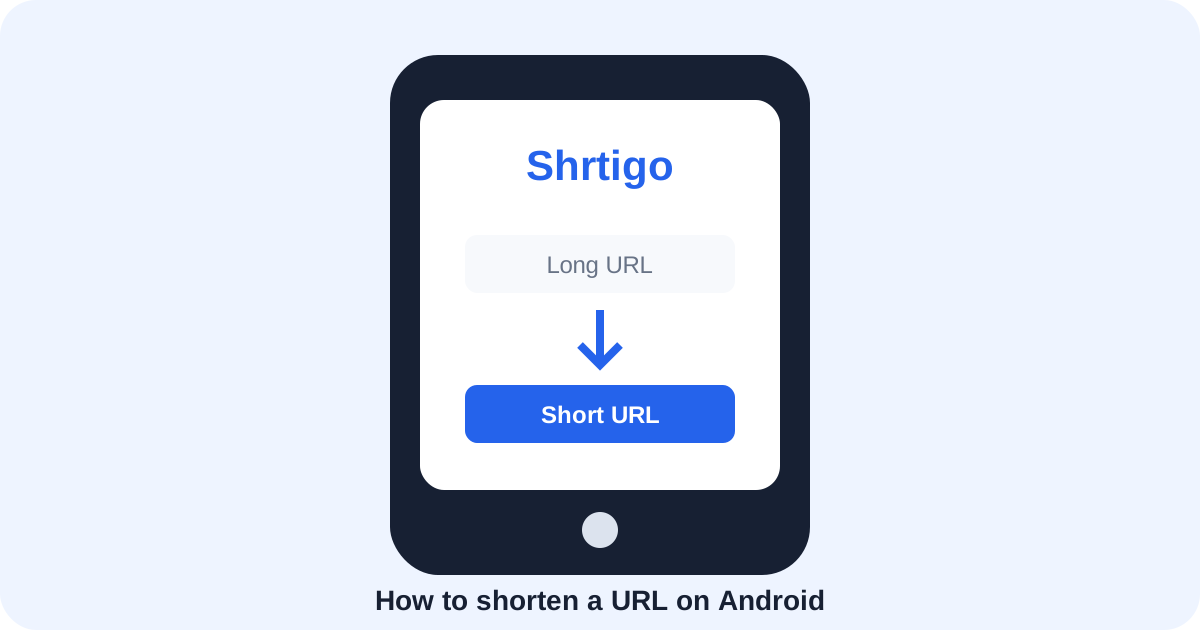
Android sharing tips
Use descriptive text around the link, avoid unexpected redirects, and do not put passwords or private information in URLs. A shorter address is easier to share, but it does not make an unsafe destination safe.