How to Shorten a URL on iPhone
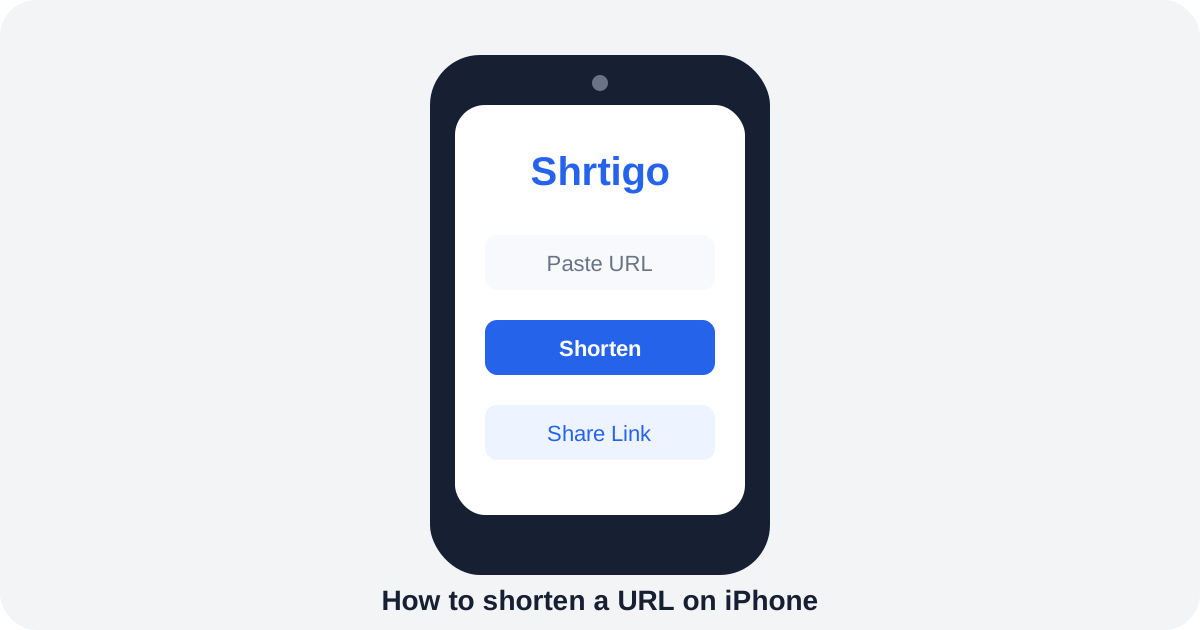
Creating a shorter link on an iPhone is simple: copy the destination, open a URL shortener in Safari, paste the address and generate a short link.
Copy the full website address
Use Safari or another browser to copy the HTTPS URL of the page you want to share.
Generate the short URL
Open Shrtigo in your browser, paste the destination and tap Shorten Link. You can optionally choose a readable custom alias.
Check the destination
Open the new short link before sharing it. Make sure the redirect reaches the correct page and that the destination is trustworthy.
Share from iPhone
Use the iOS share sheet to copy or send the short URL through Messages, Mail or social apps. Add context so recipients know what they are opening.