How to Use Short Links in Email
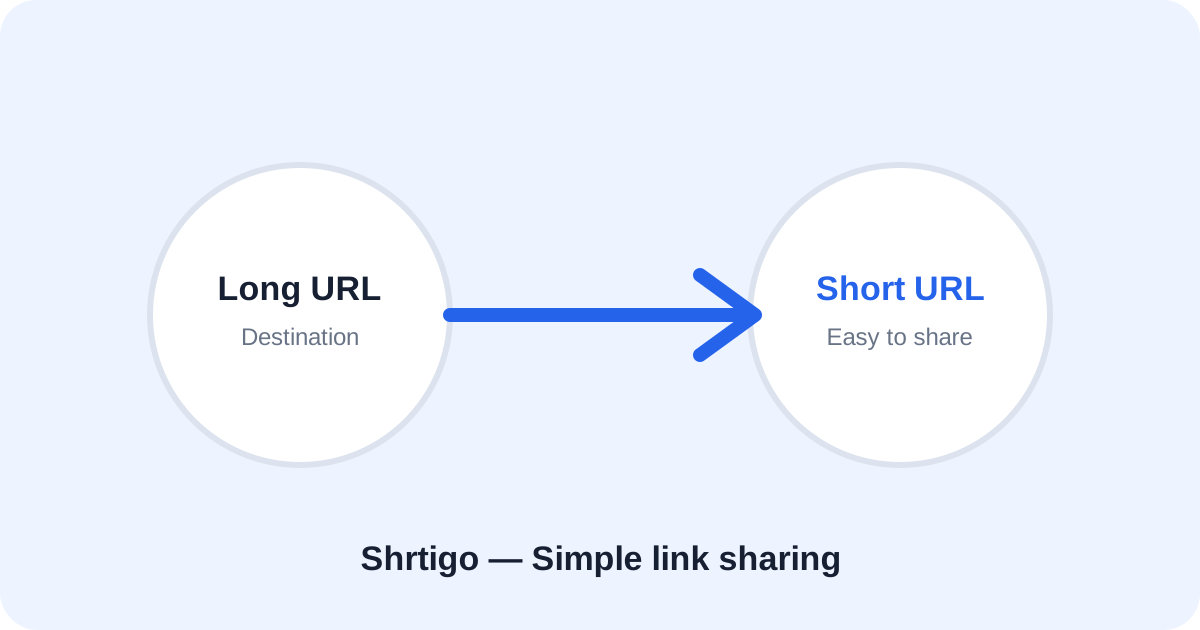
Long URLs can make email messages look cluttered. A short link can keep the message readable while still sending readers to the original page.
Use a clear destination
Confirm that the destination is correct and secure before adding the link to an email.
Make the link easy to understand
Use descriptive surrounding text and, when appropriate, a readable custom alias. Do not make the link misleading.
Test on mobile
Open the link on a phone and desktop before sending a campaign. Check that the destination loads as expected.
Keep privacy in mind
Avoid placing sensitive personal data in URLs and follow your email provider's rules and applicable privacy requirements.